
Copy View Markers From Link
Views
Autodesk® Revit® add-in for copying View Marker instances from a linked reference model to align viewports consistently across multiple sector models.
Overview
- Copies View Marker instances from a linked reference (template) model into the host model at the exact same coordinates.
- Ensures viewports are placed consistently on the same sheet location across all sector models.
- Designed for large projects with multiple linked models and scope boxes.
- Use together with the Align Views on Sheets tool to complete the placement workflow.
Features
Select the linked model to use as the reference source
Copy all View Markers into the host model at matching positions
Consistent viewport placement across all sector models
Designed for multi-model projects with scope boxes
Known Limitations
- Requires View Marker family to be loaded in the host model
- Source linked model must be loaded and visible in the active view
Screenshots
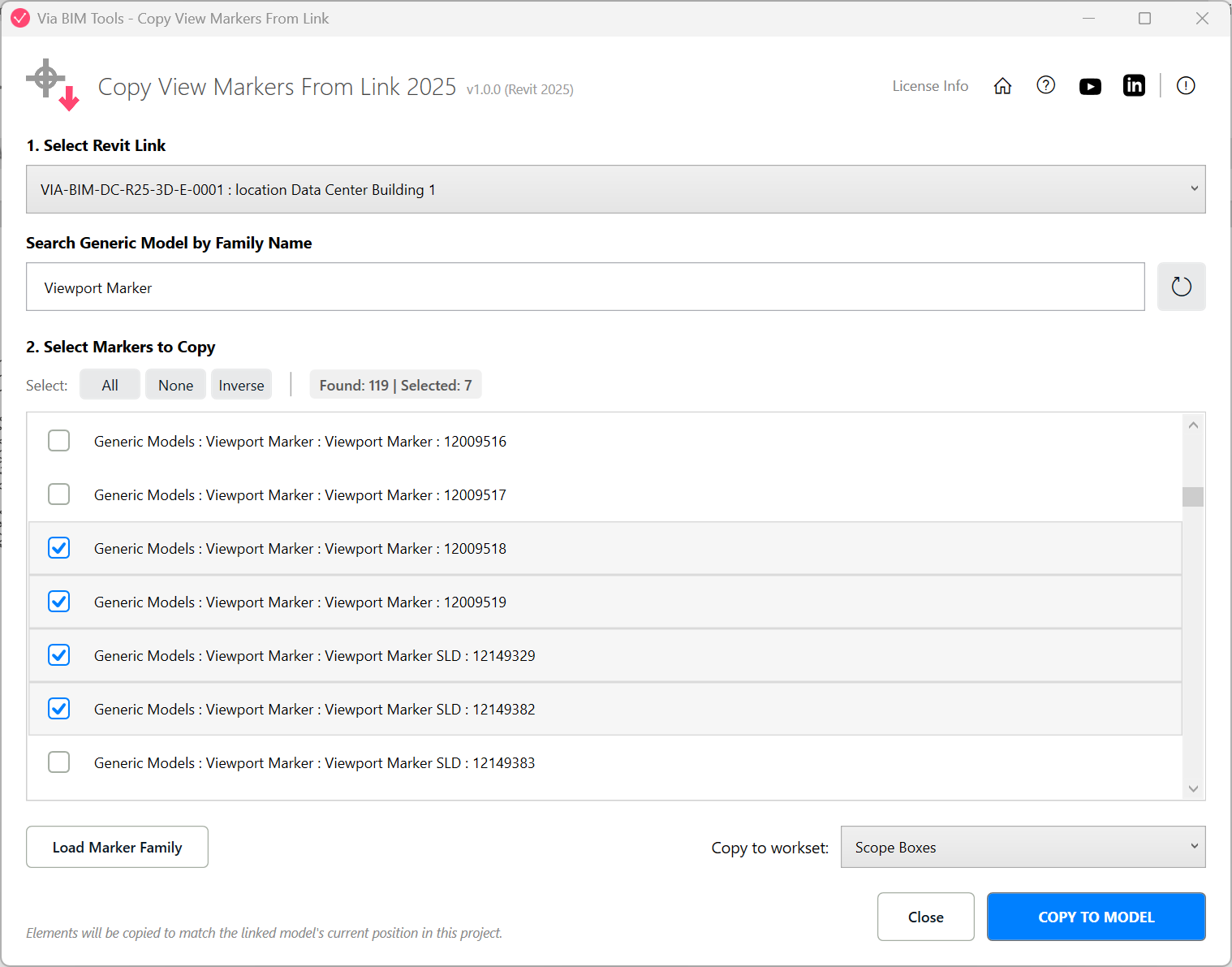
Select a linked reference model to copy its View Markers into the host model
Part of
Via BIM Tools Bundle17 tools
Version1.0.0
Revit2024, 2025, 2026, 2027
PlatformWindows
Also in the bundle
Scope Box ManagerCopy Scope Boxes From LinkReassign Scope Boxes To ViewsCreate Dependent ViewsPlace Views On SheetsBatch Rename ViewsBatch Rename Sheets
Copy View Markers From Link
Align Views On SheetsLinks SelectorPlan Region SnooperMEP Level MapperManage Revit UnitsLayers ManagerRoom 3D TagsRoom 3D VolumesRoom Space Cleanup