Manage Revit Units
Model Management
Autodesk® Revit® add-in for reviewing, exporting, and importing Revit unit settings, enabling consistent unit configuration across multiple models on a project.
Overview
- Manage Revit Units lets you review, export, and apply unit settings across Revit models - ensuring consistent unit configuration throughout a project without manually checking each model.
- The tool lists all units in the current model grouped by specification: Common, Electrical, Energy, HVAC, Infrastructure, Piping, and Structural. Select individual units or entire specification groups and export them to a JSON file.
- Load a previously exported JSON file to preview its settings before applying them to the current model. Quick-load buttons for Revit default metric or imperial units are also available as a starting point.
Features
Lists all units grouped by specification (Common, Electrical, Energy, HVAC, Infrastructure, Piping, Structural)
Export selected units or entire specification groups to a JSON file
Load and preview a JSON unit file before applying
Apply loaded unit settings to the current model in one operation
Quick-load buttons for Revit default metric and imperial units
Known Limitations
- Unit settings are applied to the active model only - linked models require separate import
- JSON files exported from one Revit version may not be fully compatible with other versions
Screenshots
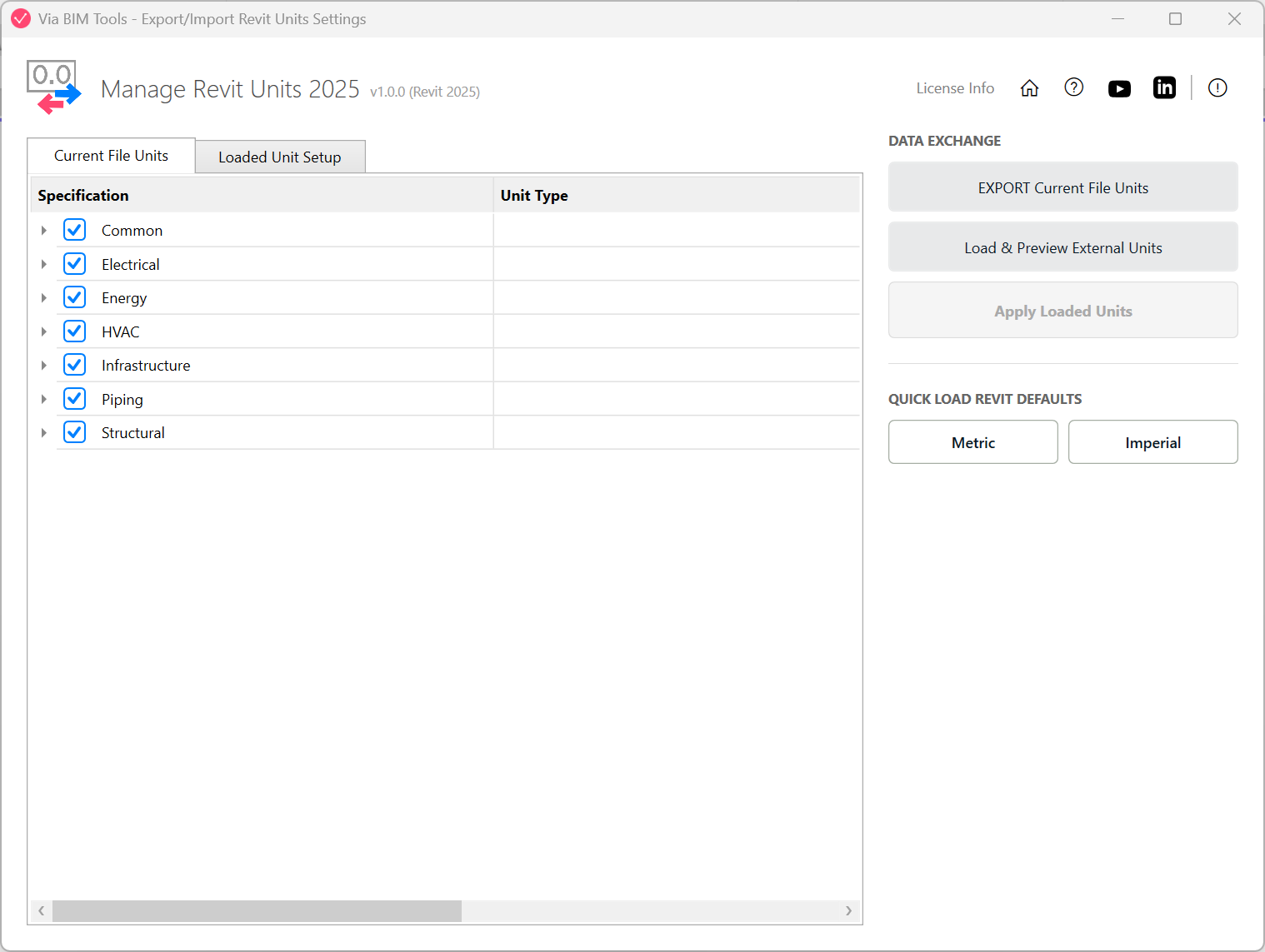
List of unit settings grouped by specification
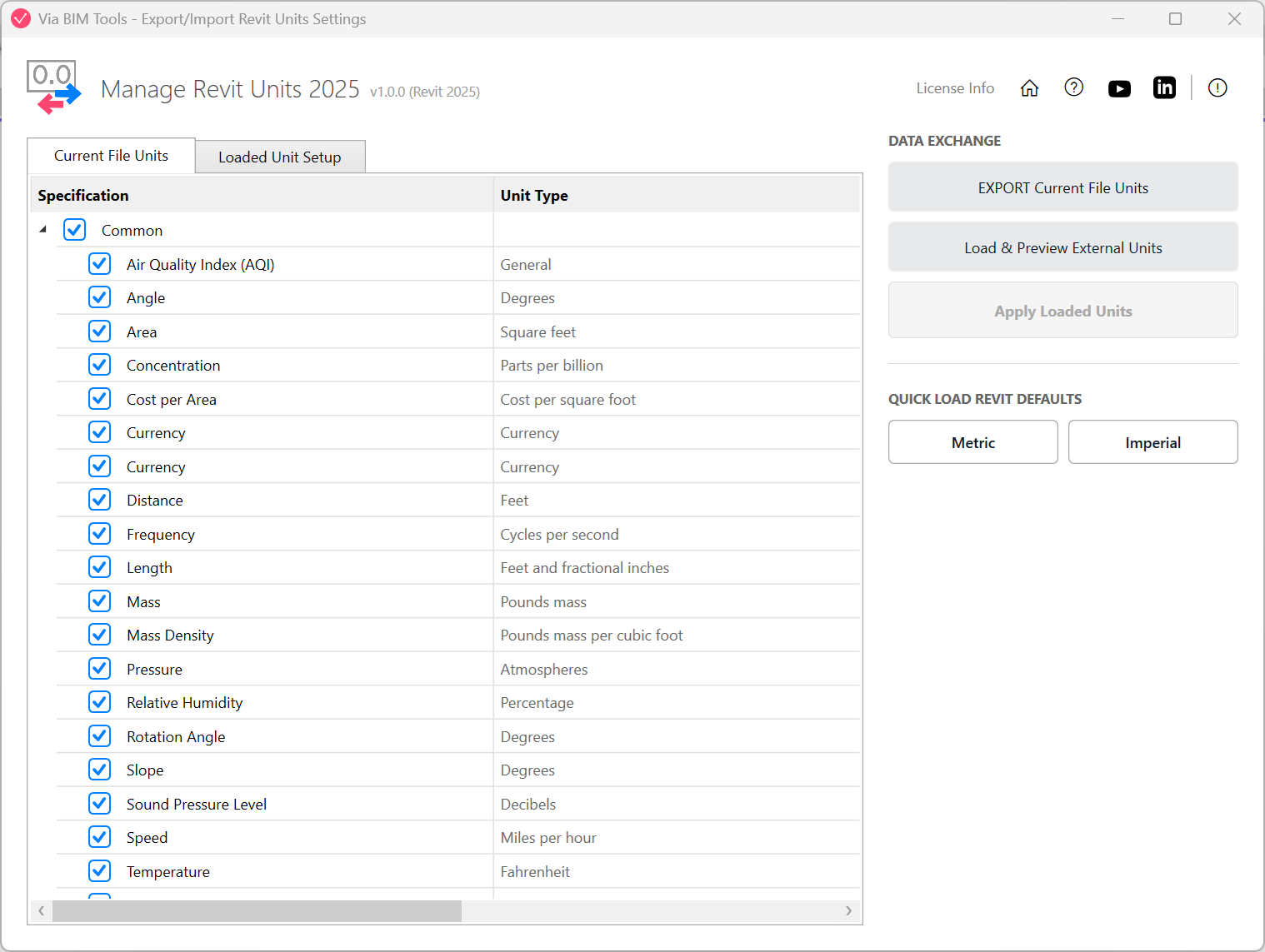
Exporting selected units to a JSON file
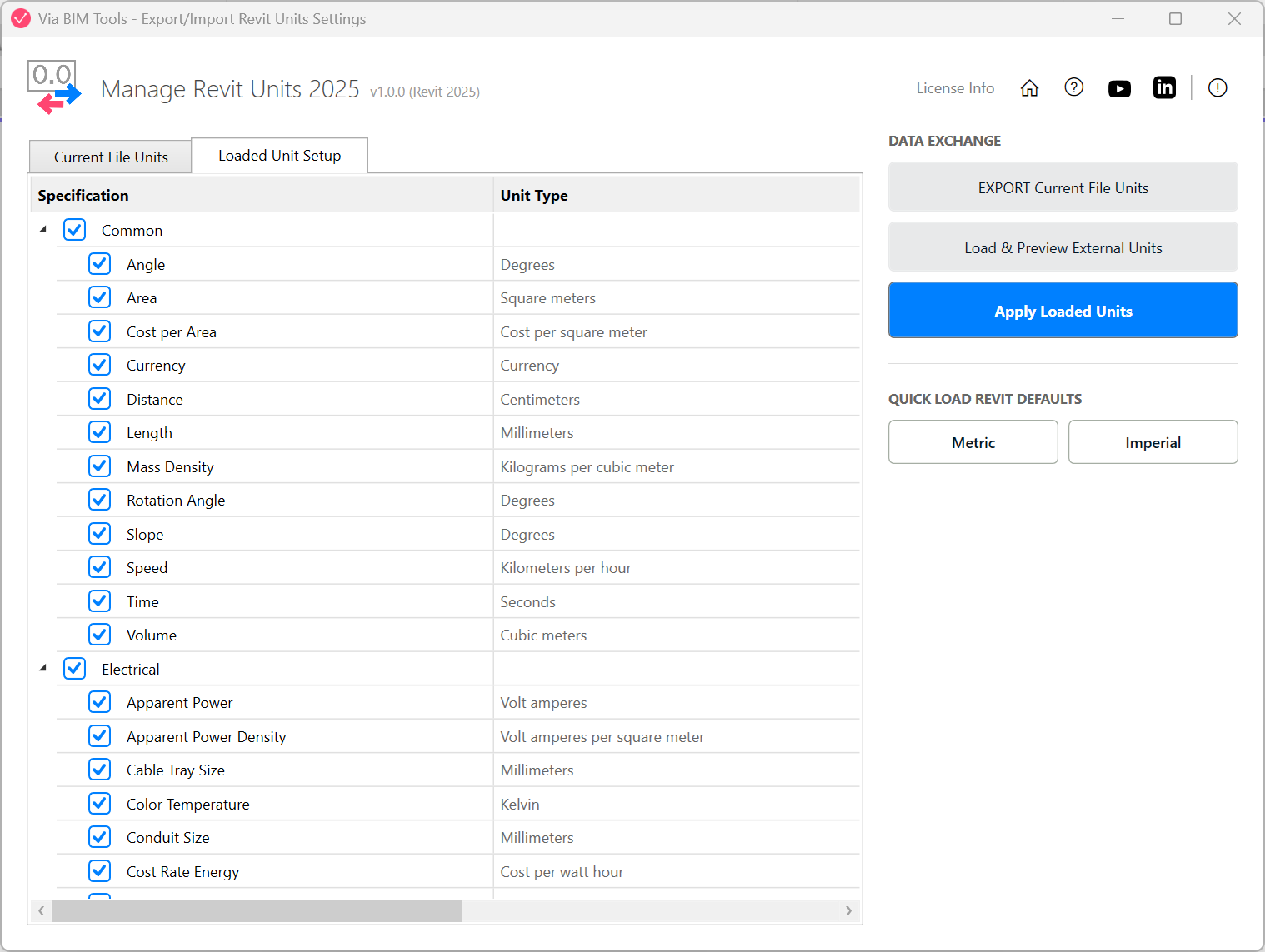
Previewing a loaded JSON file before applying it
Part of
Via BIM Tools Bundle17 tools
Version1.0.0
Revit2024, 2025, 2026, 2027
PlatformWindows
Also in the bundle
Scope Box ManagerCopy Scope Boxes From LinkReassign Scope Boxes To ViewsCreate Dependent ViewsPlace Views On SheetsBatch Rename ViewsBatch Rename SheetsCopy View Markers From LinkAlign Views On SheetsLinks SelectorPlan Region SnooperMEP Level Mapper
Manage Revit Units
Layers ManagerRoom 3D TagsRoom 3D VolumesRoom Space Cleanup