
Links Selector
Model Management
Autodesk® Revit® add-in for reviewing and selecting direct Revit link instances in the active model.
Overview
- Links Selector gives you a clear overview of all direct Revit link instances in the active model and lets you select any combination of them to highlight in the model for further action.
- The tool lists all link instances with key properties including pin status, visibility in the current view, file name, name, mark, design option, shared site, workset, room bounding status, and ID.
- Multiple instances of the same linked file are grouped under a shared type label (T1, T2, T3...) and color-coded for quick visual distinction.
Features
Lists all direct linked model instances with key properties
Groups multiple instances of the same file under a shared type label
Color-coded grouping for quick visual distinction
Select any combination of link instances to highlight them in the model
Known Limitations
- Only lists direct Revit link instances - nested links are not shown
- Selection highlights links in the model but further actions depend on standard Revit tools
Screenshots
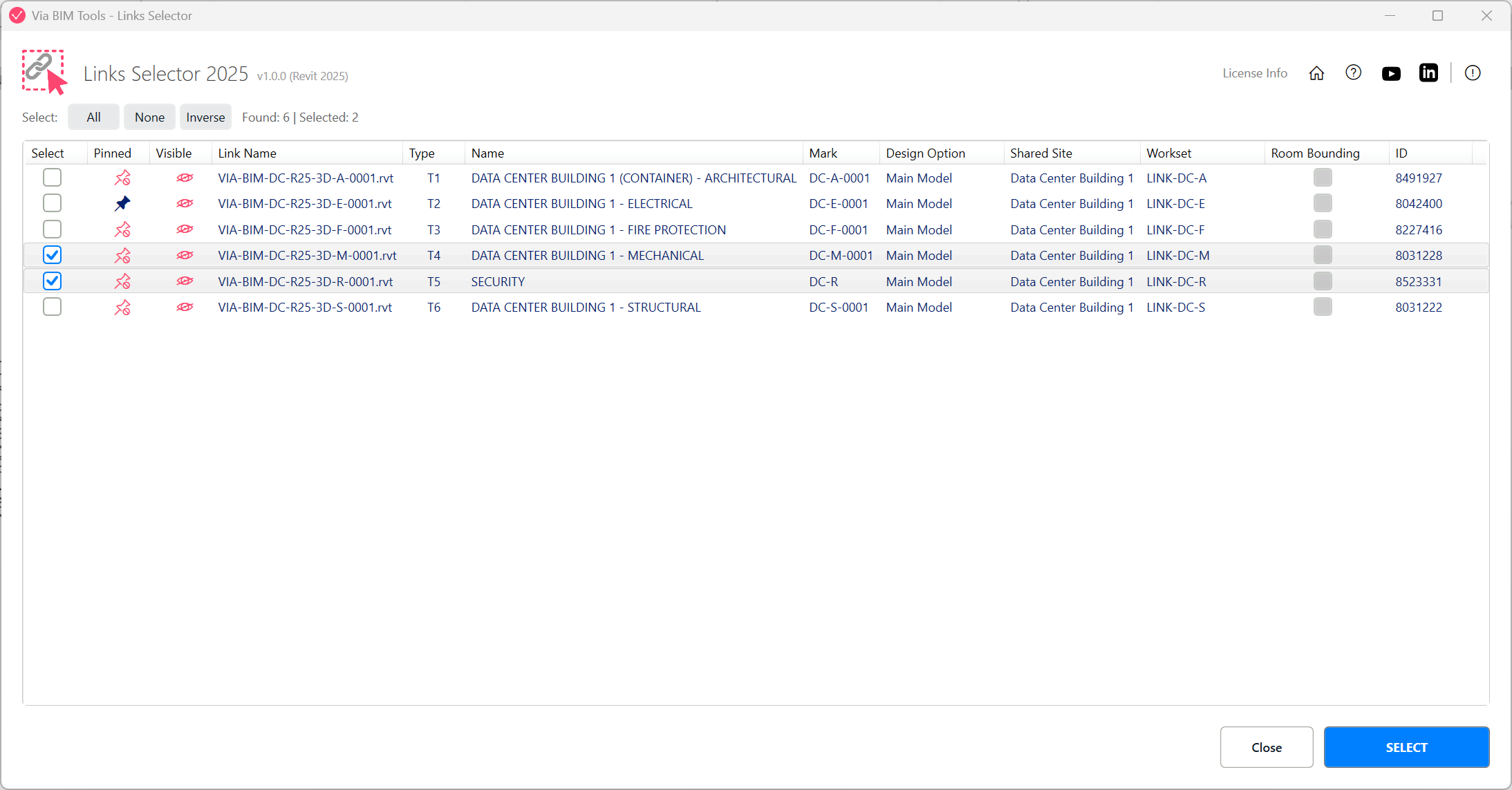
List view of all linked model instances, grouped and color-coded by file
Part of
Via BIM Tools Bundle17 tools
Version1.0.0
Revit2024, 2025, 2026, 2027
PlatformWindows
Also in the bundle
Scope Box ManagerCopy Scope Boxes From LinkReassign Scope Boxes To ViewsCreate Dependent ViewsPlace Views On SheetsBatch Rename ViewsBatch Rename SheetsCopy View Markers From LinkAlign Views On Sheets
Links Selector
Plan Region SnooperMEP Level MapperManage Revit UnitsLayers ManagerRoom 3D TagsRoom 3D VolumesRoom Space Cleanup